| Events |
  
|
| Events |
|
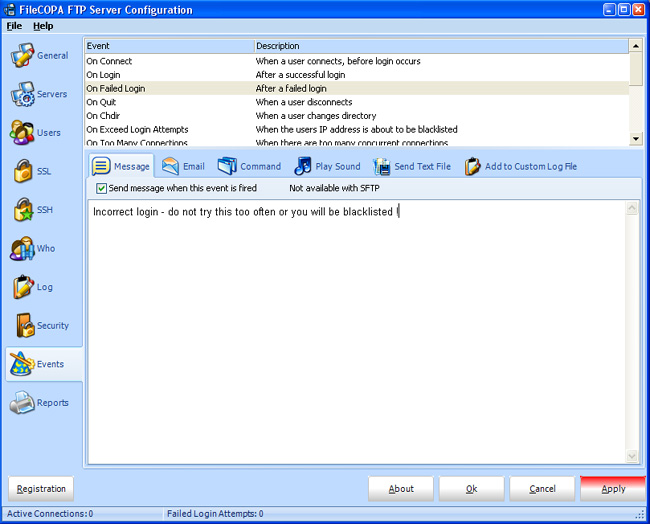
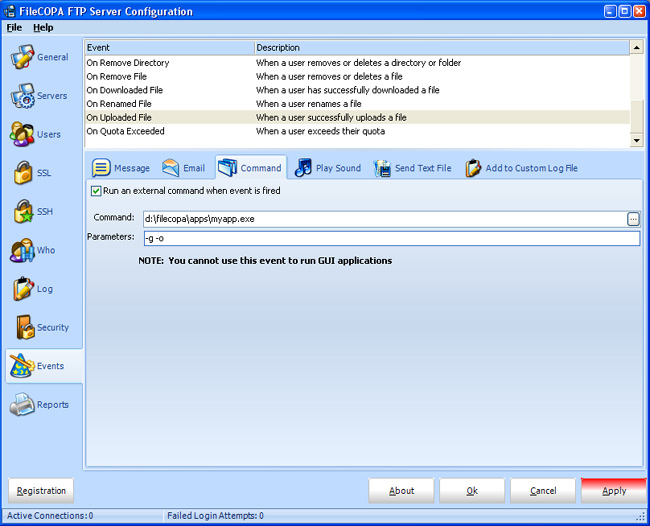
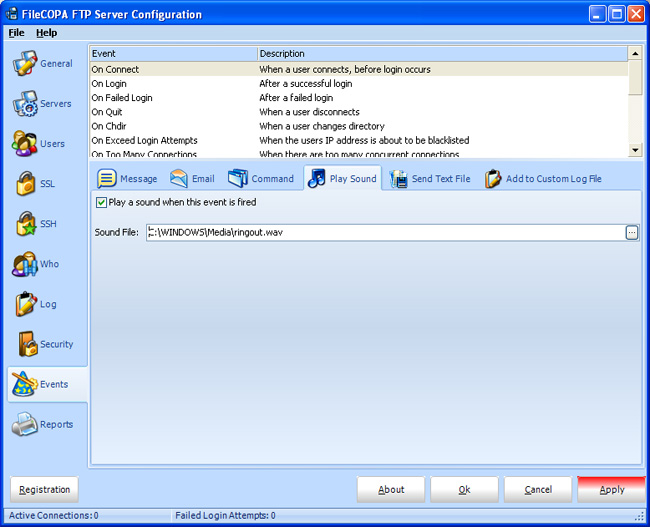
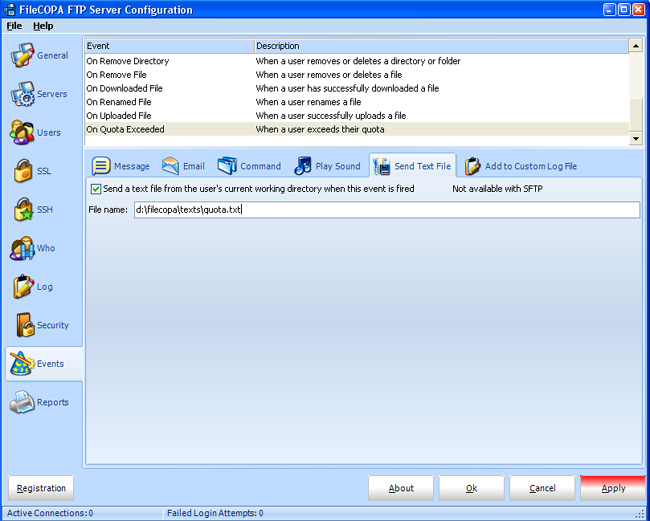
Global events, whereby actions such as messages to the FTP client, email messages to the Server Administrator or sounds on the server can be configured in response to various events, such as users logging onto the server, uploading or downloading files.
Any active events will show in bold in the events list.
This is identical to events configured user by user, and if there is a conflict, the User Event will supersede any Global event configured here.
CAUTION - Do not configure Actions for Events that may be triggered very often, for example if an attack is mounted on FileCOPA. If the server is flooded with Connects or Bad Logins, then a continuous sound or 1000 email messages may not be welcome!
The Event On Failed Login is best used as a User Event, rather than as a Global Event. An attack which floods the server with a string of usernames and passwords would repeatedly trigger this Event, and could, for instance, send hundreds (or even thousands of email messages).
Certain events also have an additional option, not shown in the screenshots below:
This enables you to add data to an SQL database via an ODBC connector. It is thus possible to track activity in more detail, by extracting information from the database. Any properly configured ODBC connector on the server machine can be used.
Ensure the SQL command conforms to your server's specification and values are quoted as needed. For example:
INSERT INTO FileCOPA (Details,EventDate) VALUES("User <<USERNAME>> Logged on","<<DATE>> <<TIME>>");
Note that because FileCOPA is a 32 bit application the ODBC connector needs to be configured in the Windows 32 bit ODBC Data Source Administrator. If you are running a 32 bit version of windows then this is as normal, but if you are running a 64 bit version of windows you need to start the Administrator manually, you can't open it from the Control Panel.
Run the command c:\windows\sysWOW64\odbcad32.exe.
Also, because FileCOPA runs as a system service you need to configure the connection in the System DSN not the User DSN.
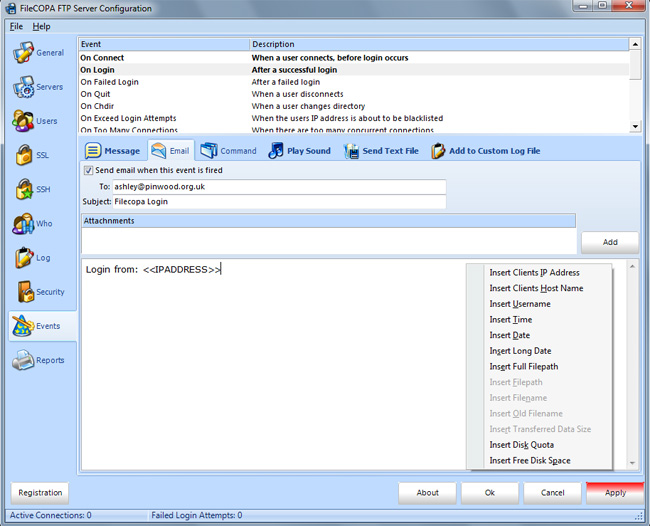
Various information can be added to the subject and/or body as shown below, and the email can be sent to multiple addresses by entering a list, separated by commas, eg:
me@example.com,you@example.com,him@example.com
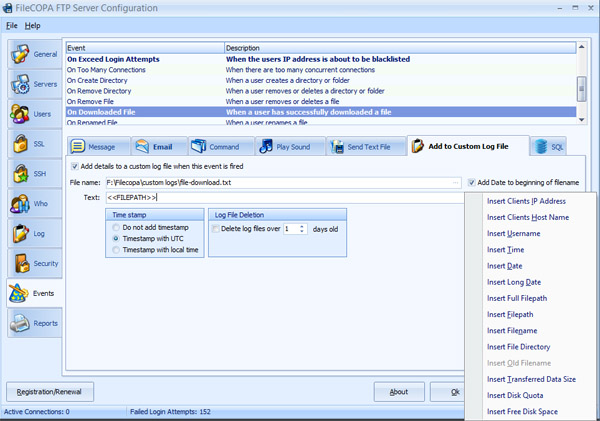
Data that can be inserted in message body or subject
Note that some options may be disabled where they are not appropriate to the context.
Client's IP Address |
Filepath Filepath As above, but shows only the path without the filename Full Filepath Full path from the server root - be very cautious using this as it could be a serious security risk! |
Client's Host Name |
Filename |
Username |
Old filename |
Time |
Transferred Data Size |
Date |
Insert Disk Quota |
Long Date |
Insert Disk Free Space |
The Short Date Format for events is taken from the System Time Format, not from the user's configuration. The two may coincide, or they may not!
System Time Format is defined in a Registry entry:
HKEY_USERS\.DEFAULT\Control Panel\International\sShortDate
For US Date Format this should be MM/dd/yyyy
For UK (and most other countries) Format this should be dd/MM/yyyy